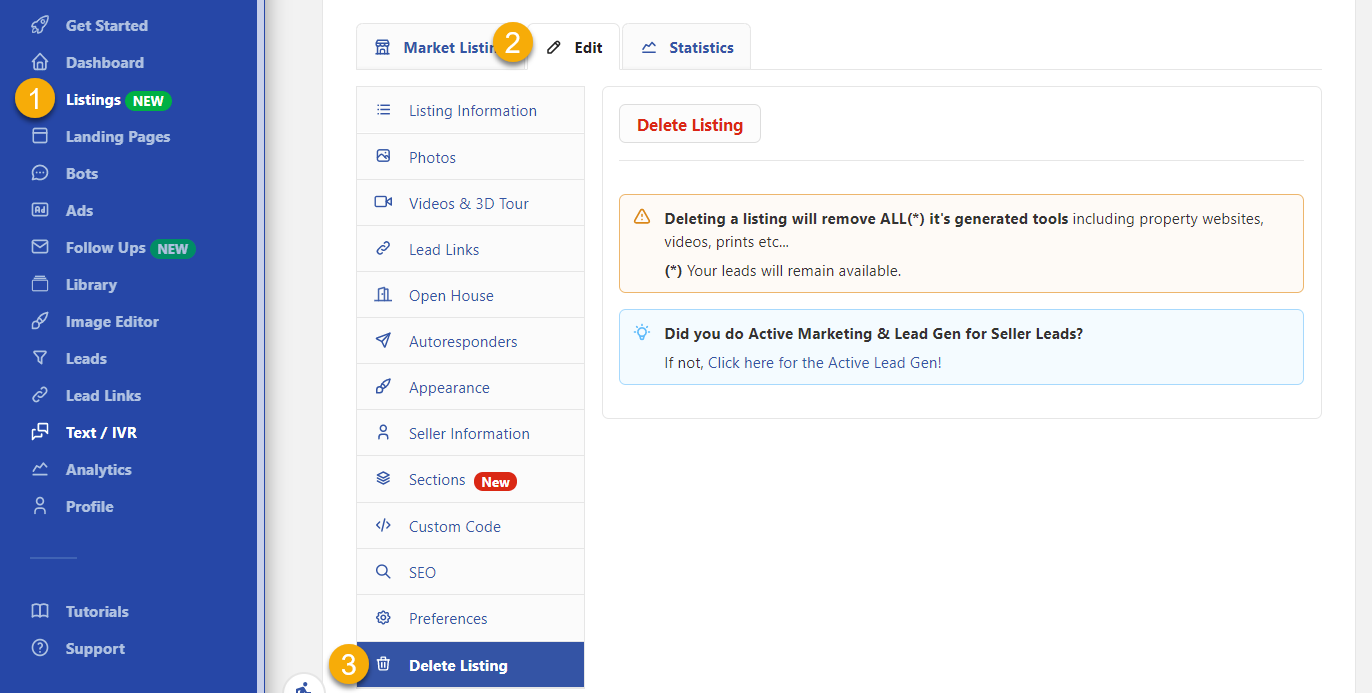
There are three ways to delete your Listings.
👀Keep in mind deleting a Listing will permanently delete all the tools created for that listing.
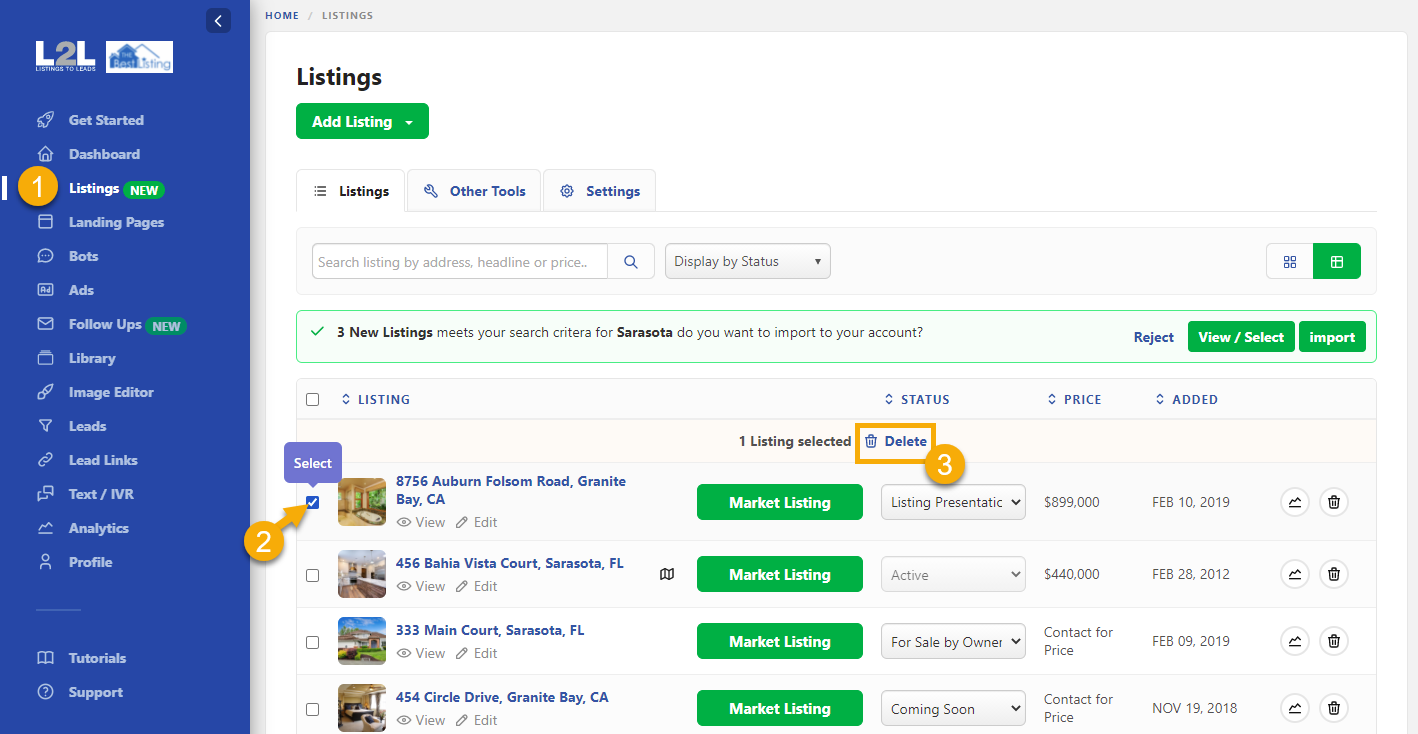
🎯 To delete multiple Listings go to your 'Listings' > Select the listings you want to delete > Click on 'Delete'
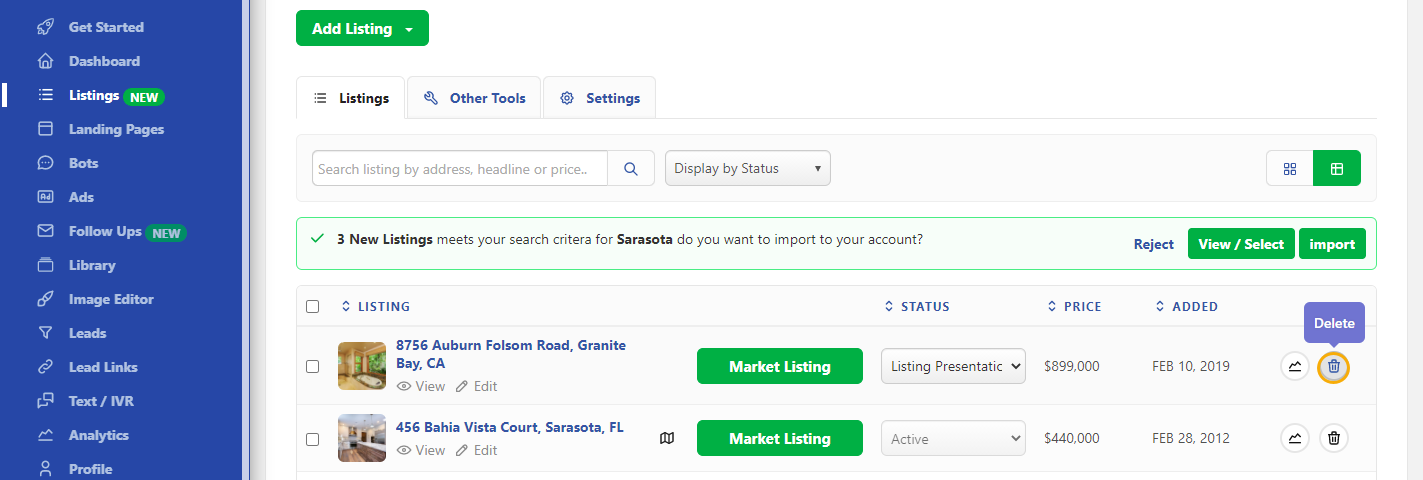
🎯 To delete a specific Listing you can click on the 'Bin' icon located on the far right side of the Listing:
Or you can go to 'Listings' > 'Edit' > and click on 'Delete Listing'.